
localStorage, and subsequent loads skip the auth screen if a valid token exists. No auth configuration is needed from the host application.
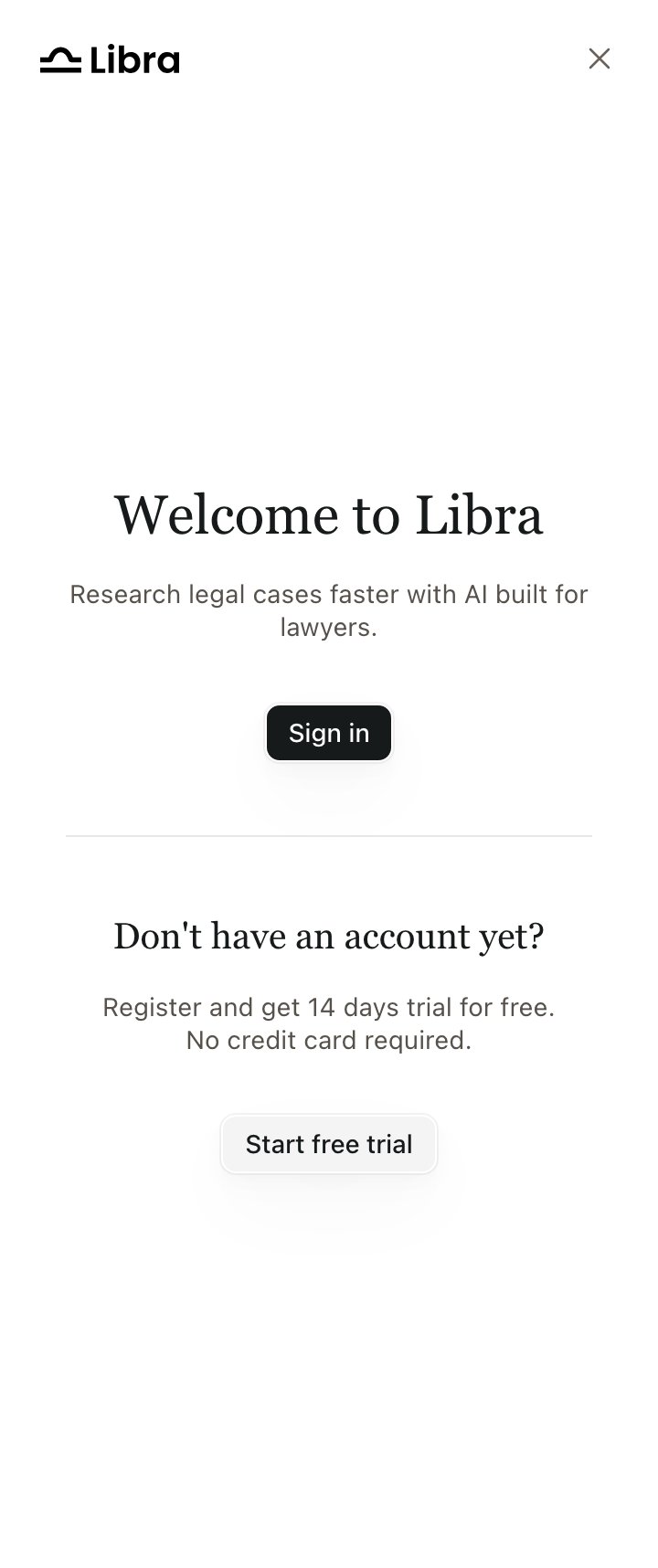
The widget before sign-in, with the Libra headbar (onClose provided)
Products that must not let the browser hold a Libra token, or that want single sign-on from their own session, use proxy mode instead. Everything on this page except the callbacks is then handled by your BFF.
Listening to auth state
onAuthStateChange reports auth-status transitions:
authenticated / existing_session: valid session restored at startupauthenticated / signin: user just completed the sign-in popupauthenticated / signup: user just completed the sign-up popup (the iframe then runs onboarding before mounting the chat)unauthenticated / no_session: no valid session at startupunauthenticated / signout: session was cleared (normal mode), or the identity link was removed (proxy mode)
onAuthError reports failed interactive sign-in or sign-up attempts. Failed attempts do not emit an auth-state event. There are five reasons, not the three the SDK README lists:
Register your domain before you go live
Every domain the widget is embedded on must be registered with Libra in advance. This is not something you configure inLibra.init() — ask your Libra contact to add each origin (development, staging and production) before testing.
The failure mode is easy to misdiagnose, because nothing reports “unregistered origin”:
1
The popup closes without signing anyone in
Your
onAuthError fires with reason: 'popup_closed'.2
The widget then sits on the login screen
In the default (popup) mode, subsequent API calls are rejected and the widget never advances past sign-in.
Account-state gating
Even after a successful login, the SDK may render an in-iframe overlay if the user’s account is in a restricted state (onboarding incomplete, expired trial, canceled subscription, pending team membership, inactive subscription). The chat UI is not mounted while a gate is active. Signing out from any gate emitsunauthenticated / signout.
Signing out
CallLibra.signOut() to programmatically sign the user out. It clears the session and shows the login screen. In proxy mode it removes the user’s identity link on the backend (best-effort), so the next re-authentication requires re-linking.
Locale of the login popup
The popup follows the widget’s configured locale, so a user onde-DE sees a German sign-in screen. See Locales.